Choosing the right audio interface is crucial for anyone involved in audio production, from podcasters to musicians. This guide delves into the essential factors to consider, ensuring you make an informed decision. Understanding the different types, features, and specifications will empower you to select an interface that aligns perfectly with your needs and budget.
From USB to Thunderbolt interfaces, each type offers a unique set of advantages and disadvantages. Factors like desired resolution, number of inputs/outputs, and intended use case all play a significant role in the selection process. This guide provides a structured approach, enabling you to navigate the often-complex world of audio interfaces.
Introduction to Audio Interfaces
Audio interfaces are crucial components in modern audio production. They act as a bridge between your computer and your audio equipment, allowing you to record and playback sound. They convert analog signals from microphones, instruments, and other devices into digital signals that your computer can process, and vice versa. This digital conversion is essential for editing, mixing, and mastering audio.Audio interfaces provide a controlled environment for sound capture and output, isolating and improving the quality of audio signals.
They are a vital tool for musicians, podcasters, and audio engineers, offering a reliable and high-quality pathway for recording and manipulating sound.
Types of Audio Interfaces
Audio interfaces come in various types, each with its own strengths and weaknesses. Understanding these differences is crucial for choosing the right interface for your needs. Different connection types offer varying levels of performance, affecting latency and overall sound quality.
- USB Audio Interfaces: These interfaces use the ubiquitous USB connection. They are generally budget-friendly and easy to set up, making them popular for beginners and home studios. However, USB interfaces often have higher latency compared to Thunderbolt or FireWire interfaces, which can be noticeable during live performances or in situations demanding low latency. Their simplicity makes them suitable for straightforward recording tasks.
- Thunderbolt Audio Interfaces: Thunderbolt interfaces boast extremely low latency and high-speed data transfer, ideal for professional applications requiring minimal delay. This superior performance translates to a more seamless and responsive workflow, particularly in demanding situations like recording live instruments or high-resolution audio. Their high cost often makes them a more expensive option than USB interfaces.
- FireWire Audio Interfaces: FireWire interfaces, while a slightly older standard, are still used in some professional settings. They offer low latency and high-quality audio transfer, comparable to Thunderbolt interfaces. The primary drawback is the declining availability of FireWire-equipped computers and devices. Their performance and capabilities are well-suited to professional audio applications, but their declining prevalence makes them less accessible compared to USB or Thunderbolt interfaces.
Key Components of an Audio Interface
A typical audio interface comprises several essential components that work in concert to process audio signals. Understanding these components is important to assess the interface’s capabilities and suitability for specific tasks.
- Preamplification: The preamps within the interface boost the weak signals from microphones and other instruments to a level suitable for digital conversion. A good preamp is essential for producing clean, high-quality recordings. The quality of preamps directly impacts the overall sound quality of the recording.
- Analog-to-Digital Conversion (ADC): This crucial component converts the analog audio signals from microphones and instruments into digital data that the computer can understand. The quality of the ADC directly impacts the fidelity of the recorded audio.
- Digital-to-Analog Conversion (DAC): The DAC converts digital audio signals from your computer into analog audio signals that can be sent to your speakers or headphones. A high-quality DAC ensures that the playback sound accurately reflects the digital audio data.
- Input/Output (I/O) Channels: The number of input and output channels determines the number of microphones, instruments, and speakers or headphones you can connect to the interface. More channels allow for more complex recordings and productions.
Interface Type Comparison
The following table provides a concise comparison of different audio interface types, highlighting their key features and use cases.
| Interface Type | Connection | Latency | Features | Use Cases |
|---|---|---|---|---|
| USB | USB | High | Simple setup, budget-friendly | Home recording, podcasting, basic music production |
| Thunderbolt | Thunderbolt | Low | High speed, professional quality | Live recording, high-resolution audio, demanding productions |
| Firewire | Firewire | Low | High speed, professional quality (older standard) | Professional audio applications, where low latency is critical |
Factors to Consider When Choosing an Audio Interface
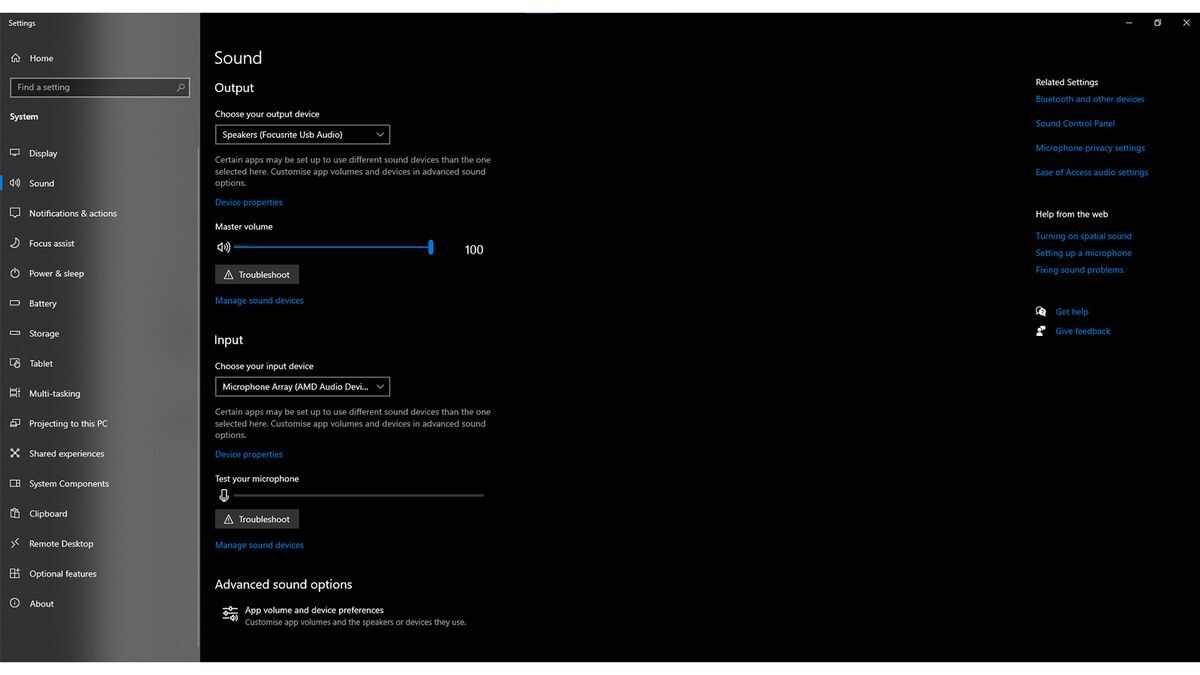
Selecting the right audio interface is crucial for achieving optimal audio quality and a seamless workflow. Understanding the factors influencing your decision will ensure you choose an interface that meets your specific needs and budget. Consideration of factors like desired resolution, intended use case, and essential features will guide your selection process.Careful consideration of these factors ensures you avoid costly mistakes and select an interface that delivers the expected results.
Budget constraints and personal needs significantly impact the choice of audio interface. Prioritizing your workflow and understanding the influence of features are key to achieving optimal performance.
Budget Considerations
Budget plays a significant role in the audio interface selection process. Audio interfaces span a wide range of prices, reflecting variations in features, quality, and functionality. A lower budget may necessitate compromises on features like high-quality preamps or advanced input/output configurations. Conversely, a higher budget allows for more sophisticated interfaces, leading to improved sound quality and expanded capabilities.
A crucial step is to identify your essential needs and prioritize features based on your financial constraints.
Factors Influencing Selection
Several factors influence the selection process, including the desired resolution, the number of inputs/outputs, and the sample rate. Understanding these factors allows for a more informed decision-making process. These aspects directly impact the audio quality and workflow capabilities of the interface.
- Desired Resolution: The resolution, often expressed in bits, determines the precision of the audio signal. Higher bit depths, like 24-bit, offer greater dynamic range and fidelity, capturing a wider range of sound information, especially crucial for professional audio applications. Lower bit depths may suffice for basic recording or podcasting needs.
- Number of Inputs/Outputs: The number of inputs and outputs directly correlates to the number of audio sources and destinations you can connect simultaneously. A podcasting setup might only require a few inputs, while a music production environment might need many inputs and outputs for instruments, microphones, and audio processing equipment. Consider your anticipated needs to select an interface with the appropriate number of connections.
- Sample Rate: The sample rate, measured in Hertz (Hz), dictates how frequently the audio signal is sampled. Higher sample rates, like 48 kHz or 96 kHz, capture more detail, reducing the risk of aliasing, a phenomenon that can introduce unwanted distortions. The ideal sample rate often depends on the intended use case and desired audio quality.
Intended Use Case
The intended use case significantly impacts the selection of an audio interface. Different applications have distinct requirements, leading to differing interface choices.
- Podcasting: A podcasting setup often requires a simple interface with two or more inputs for microphones and potentially a line input for music or sound effects. A lower-cost interface with adequate preamp quality is usually sufficient.
- Music Production: Music production necessitates a more sophisticated interface, often with a larger number of inputs and outputs to accommodate multiple instruments, microphones, and audio processing equipment. Higher resolution and lower latency are essential for smooth workflow and precise control.
- Live Performance: Live performance interfaces usually focus on low latency to ensure real-time audio processing. They also frequently feature multiple outputs to connect to various audio equipment, such as amplifiers and mixing consoles.
Essential Features
Selecting an audio interface involves evaluating essential features. These features ensure a quality audio experience and a streamlined workflow.
- Preamp Quality: Preamp quality is crucial for capturing high-quality audio signals from microphones. High-quality preamps provide superior noise reduction and clarity, producing a clean signal.
- Headphone Outputs: Headphone outputs are essential for monitoring audio while recording or mixing. High-quality headphone outputs are crucial for critical listening.
- Latency: Low latency is critical for real-time applications like live performance and instrument recording. Low latency ensures smooth audio playback without noticeable delays.
Prioritizing Features
Prioritizing features depends on individual needs and budget. For instance, a podcast producer may prioritize preamp quality and headphone outputs, while a musician may prioritize sample rate and the number of inputs/outputs. Careful assessment of individual needs ensures optimal performance.
Audio Interface Feature Impact
The following table showcases different audio interface features and their impact on the workflow.
| Feature | Impact on Workflow | Importance Level |
|---|---|---|
| Preamp quality | Sound quality | High |
| Sample Rate | Sound detail | Medium |
| Latency | Real-time performance | High |
| Number of Inputs/Outputs | Simultaneous audio connections | Medium |
Understanding Audio Interface Specifications
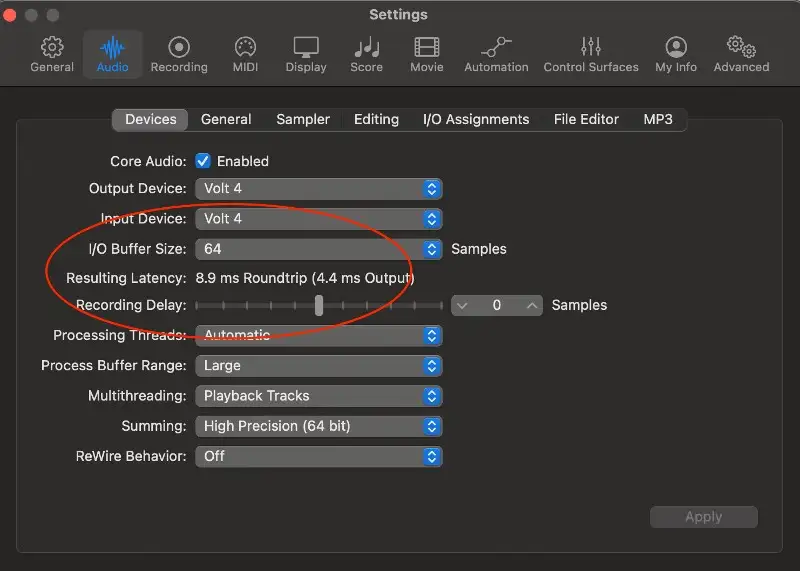
Selecting the right audio interface involves understanding its technical specifications. These specifications, while sometimes seemingly complex, are crucial for achieving the desired sound quality and functionality. A clear grasp of these details allows users to make informed decisions, ensuring their audio interface meets their specific needs.
Sample Rate
Sample rate, measured in Hertz (Hz), determines how frequently the audio signal is sampled and converted into digital data. A higher sample rate captures more information from the original audio signal, resulting in a richer and more detailed sound. This increased detail allows for a more accurate representation of the audio waveform. Higher sample rates also provide more headroom for processing and manipulation without introducing significant artifacts.
- A higher sample rate generally translates to better audio quality, as more information is recorded. This is particularly noticeable in complex audio signals, where subtle nuances are more apparent at higher sampling rates. For example, music with intricate instrumentation or recordings with fine details will benefit from higher sample rates.
- Common sample rates include 44.1 kHz (used for CD audio), 48 kHz (a standard in professional audio), and 96 kHz and 192 kHz (used for high-resolution audio). The choice depends on the intended use. For general listening, 44.1 kHz might suffice. However, professional applications or those requiring high-fidelity reproduction benefit from higher sample rates.
Bit Depth
Bit depth, measured in bits, determines the precision with which the amplitude of each sample is represented. A higher bit depth offers a wider dynamic range, enabling a more accurate representation of the audio signal’s nuances and a lower level of noise. This is especially important for capturing subtle differences in sound levels and preserving the overall sonic range.
- Higher bit depths generally result in a cleaner, more spacious sound with less distortion and noise. For instance, 24-bit audio typically offers a superior dynamic range and sound quality compared to 16-bit audio, which is common in consumer audio.
- Common bit depths include 16-bit, 24-bit, and 32-bit. Each offers a different level of precision and dynamic range. For most applications, 24-bit provides a sufficient level of detail and dynamic range without unnecessary complexity.
Input/Output Channels
The number of input and output channels determines the number of audio sources or destinations the interface can handle simultaneously. This is vital for recording multiple instruments or audio sources simultaneously or for mixing and mastering audio.
- A higher number of input and output channels allows for more complex recording and mixing setups. For instance, a multi-track recording setup or a professional mixing environment will demand a greater number of channels than a simple home recording scenario.
- Interfaces with multiple input and output channels provide flexibility and expandability for future projects. The specific number of channels required depends on the application. Home recording might need two inputs and two outputs, while a professional recording studio might require dozens of channels.
Input/Output Impedance
Input/output impedance is a measure of how much resistance an input or output channel presents to an audio signal. This characteristic affects the signal quality and can influence the compatibility of the audio interface with different audio equipment. A well-matched impedance ensures a smooth and efficient signal transfer, minimizing signal degradation.
- Input/output impedance directly affects the signal-to-noise ratio. Proper impedance matching ensures that the signal is transferred effectively and accurately, reducing noise and interference.
- Mismatched impedance can result in signal loss or distortion. This is particularly important when connecting microphones or other sensitive audio equipment to the interface.
Impact of Different Sample Rates on Audio Quality
The table below illustrates the impact of different sample rates on audio quality. Higher sample rates offer more detailed sound reproduction.
| Sample Rate | Impact on Sound Quality |
|---|---|
| 44.1 kHz | CD quality audio; suitable for general listening and many consumer applications. |
| 48 kHz | Common professional standard; provides a good balance between quality and practicality for professional audio production. |
| 96 kHz | High-resolution audio; captures more detail and nuance, suitable for demanding applications. |
Comparing Different Audio Interface Brands and Models
Choosing the right audio interface involves more than just considering specifications; understanding the strengths and weaknesses of different brands and models is crucial. This section delves into various well-known brands, comparing their features, pricing, and specifications to help you make an informed decision.A thorough understanding of different audio interface brands and models allows for a more nuanced approach to selecting the right equipment.
This involves analyzing features like sample rates, bit depths, input/output capabilities, and pricing, and ultimately selecting the interface that best suits your specific needs and budget.
Popular Audio Interface Brands
Different audio interface brands cater to diverse needs and budgets. Prestige brands often emphasize high-quality audio reproduction, while budget-friendly options prioritize essential features. Factors like build quality, customer support, and software compatibility also play a significant role in the decision-making process. Some well-recognized brands include Focusrite, PreSonus, Steinberg, Audient, and M-Audio, each with a distinct approach to audio interface design and engineering.
Comparing Models Within a Brand
A crucial aspect of selecting the right audio interface is understanding how different models from the same brand compare. This involves a structured analysis of their specifications, focusing on sample rates, bit depths, input/output configurations, and pricing. This detailed comparison helps users discern the value proposition of each model, enabling them to select the model that best matches their needs and budget.
Focusrite Scarlett Series
Focusrite’s Scarlett series is a popular choice for beginners and professionals alike. The series offers a range of models with varying input/output configurations and features, allowing users to choose an interface that suits their specific needs.
| Model | Sample Rate | Bit Depth | Inputs/Outputs | Price |
|---|---|---|---|---|
| Scarlett 2i2 | 44.1 kHz | 24-bit | 2 in/2 out | $150 |
| Scarlett 18i20 | 96 kHz | 24-bit | 4 in/4 out | $500 |
The Scarlett 2i2 is a cost-effective option suitable for basic recording needs. It provides two inputs and two outputs, sufficient for recording vocals or acoustic instruments. The Scarlett 18i20, on the other hand, offers enhanced capabilities with more inputs and outputs, enabling recording of larger ensembles or more complex setups. The higher sample rate and bit depth contribute to a higher-quality recording experience.
However, this increased functionality comes at a higher price point.
PreSonus AudioBox Series
PreSonus AudioBox series interfaces offer a balance of affordability and functionality, catering to both beginners and intermediate users. The AudioBox interfaces typically prioritize ease of use and value for money, providing robust audio quality for recording.
Advantages and Disadvantages of Different Brands and Models
Each brand and model has its own set of advantages and disadvantages. Factors like price, features, and build quality vary significantly between different models and brands. For example, a more expensive interface might offer higher sample rates and more inputs/outputs, but a more affordable model might suffice for simpler recording tasks. It is crucial to weigh these factors against your individual needs and budget to select the best option.
Examples of Popular Audio Interface Models for Different Use Cases
Different models are suitable for different use cases. For instance, the Focusrite Scarlett 2i2 is ideal for home recording, while the PreSonus AudioBox offers a good balance of features and affordability for home or small studio use. The choice should be based on the complexity of your recording needs and your budget.
Practical Tips and Recommendations for Choosing an Audio Interface
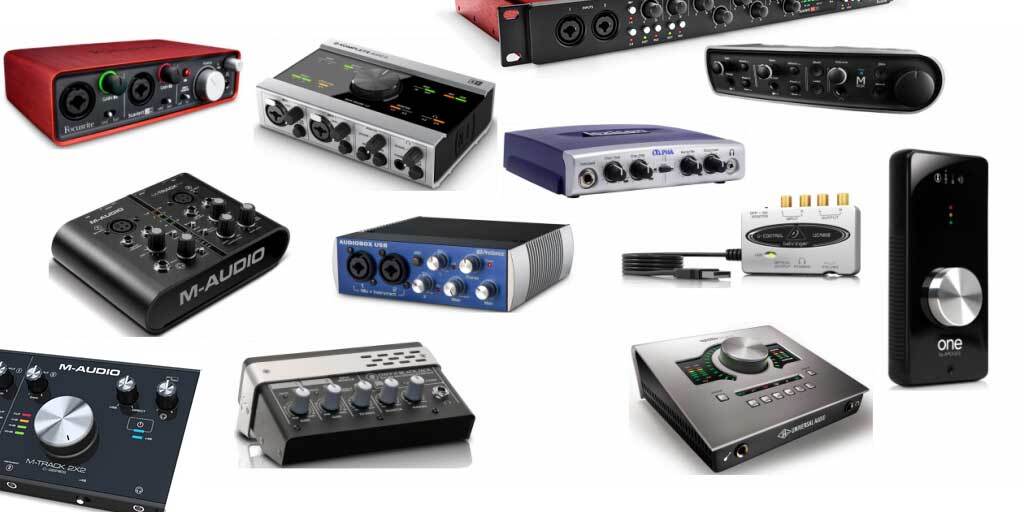
Selecting the right audio interface is crucial for achieving optimal sound quality in various audio applications. Understanding your specific needs and carefully considering the available options are essential steps in this process. This section provides practical tips and recommendations to guide you through the decision-making process.Choosing an audio interface is a personalized endeavor, as the ideal choice depends on individual needs and priorities.
Factors like budget, desired audio quality, intended use cases, and future expansion plans play a significant role in the selection process. This section explores practical considerations for different scenarios.
Practical Tips for Choosing Based on Individual Needs
Careful consideration of individual needs is vital for selecting the right audio interface. Factors such as the intended use case, desired sound quality, and budget constraints significantly impact the selection process. Prioritizing these elements leads to a more effective and efficient selection process.
- Consider Your Intended Use Case: Different applications demand different interface features. A podcasting setup requires different functionalities compared to a home recording studio. Understanding the specific tasks you’ll be performing with the interface helps narrow down the choices. For example, a podcasting interface might prioritize low-latency audio and clear audio input from multiple sources, while a music production interface might emphasize high-quality audio conversion and extensive input/output options.
- Evaluate Your Budget: Audio interfaces span a wide price range. Establish a realistic budget before browsing models. A clear budget constraint ensures you explore suitable options within your financial capacity. Budget-friendly interfaces often offer a solid starting point for beginners or those with limited budgets.
- Prioritize Desired Sound Quality: Sound quality is paramount. Consider the level of detail and clarity you need in your recordings. Higher-quality interfaces generally translate to improved sound quality and fidelity. This is especially crucial for professionals seeking precise and nuanced audio. Consider features such as A/D and D/A conversion quality, as well as the presence of premium components, if needed.
Recommendations for Budget-Conscious Buyers
Budget-conscious buyers can still acquire high-quality audio interfaces. Several manufacturers offer affordable models that provide satisfactory audio performance.
- Focus on Essential Features: Prioritize essential features such as sufficient input/output channels, low latency, and compatibility with your existing equipment. Budget-conscious buyers can often find interfaces that provide adequate functionality without exceeding their budget.
- Look for Interfaces with a Good Return on Investment (ROI): Consider the interface’s overall value. Evaluate whether the features and functionalities offered align with your needs and budget. A higher ROI indicates a more efficient and cost-effective purchase.
- Check for Good Value-to-Price Ratios: Evaluate interfaces based on their value proposition. Look for interfaces that provide good performance and functionalities without a steep price tag. This ensures a more worthwhile and satisfying purchase.
Recommendations for Those Seeking High-Quality Audio Interfaces
High-quality audio interfaces often offer superior performance, crucial for professional recording and production.
- Prioritize High-Resolution Audio Conversion: Look for interfaces supporting high-resolution audio formats (e.g., 24-bit/96kHz or higher). This translates to a greater level of detail and accuracy in recordings. These interfaces typically use high-quality components for enhanced sound fidelity.
- Consider Interfaces with Advanced Features: Consider interfaces with advanced features such as multiple input/output options, direct monitoring, and advanced signal processing capabilities. These interfaces cater to a wider range of professional needs and enhance the recording process.
- Seek Interfaces with Robust Build Quality: High-quality audio interfaces often boast a sturdy and reliable build. This ensures longevity and consistent performance over time. Durable construction is a significant factor for long-term use.
Importance of Reading Reviews and User Feedback
Reading reviews and user feedback is a valuable step before purchasing an audio interface. Reviews offer insights into real-world experiences and potential issues.
- Identify Potential Issues: User reviews can highlight potential issues or limitations of a specific model. This helps identify potential problems that might not be apparent from technical specifications alone.
- Evaluate Overall User Satisfaction: Reviews provide a comprehensive understanding of user satisfaction. This helps gauge the overall experience and reliability of a particular interface. Positive feedback from numerous users strengthens the confidence in a product.
- Understand Real-World Performance: Reviews often provide practical insights into the interface’s real-world performance. This is crucial for determining whether the interface meets the intended use cases. Real-world performance feedback offers a more accurate perspective than theoretical descriptions.
Considering Future Needs When Selecting an Audio Interface
Anticipating future needs is essential when choosing an audio interface. This ensures the interface can adapt to evolving requirements.
- Choose Interfaces with Expandability Options: Select interfaces that can accommodate future expansion, such as additional inputs, outputs, or other features. This flexibility ensures that the interface remains useful as needs evolve.
- Evaluate Interfaces with Scalability: Consider interfaces that can handle future requirements. Interfaces with scalability provide flexibility to adapt to the demands of increasing project complexity or evolving audio needs. A scalable interface accommodates future growth and advancements.
- Assess Interfaces with Long-Term Support: Ensure that the chosen interface has adequate support and ongoing updates from the manufacturer. This ensures the interface remains compatible with evolving technology and software.
Last Word
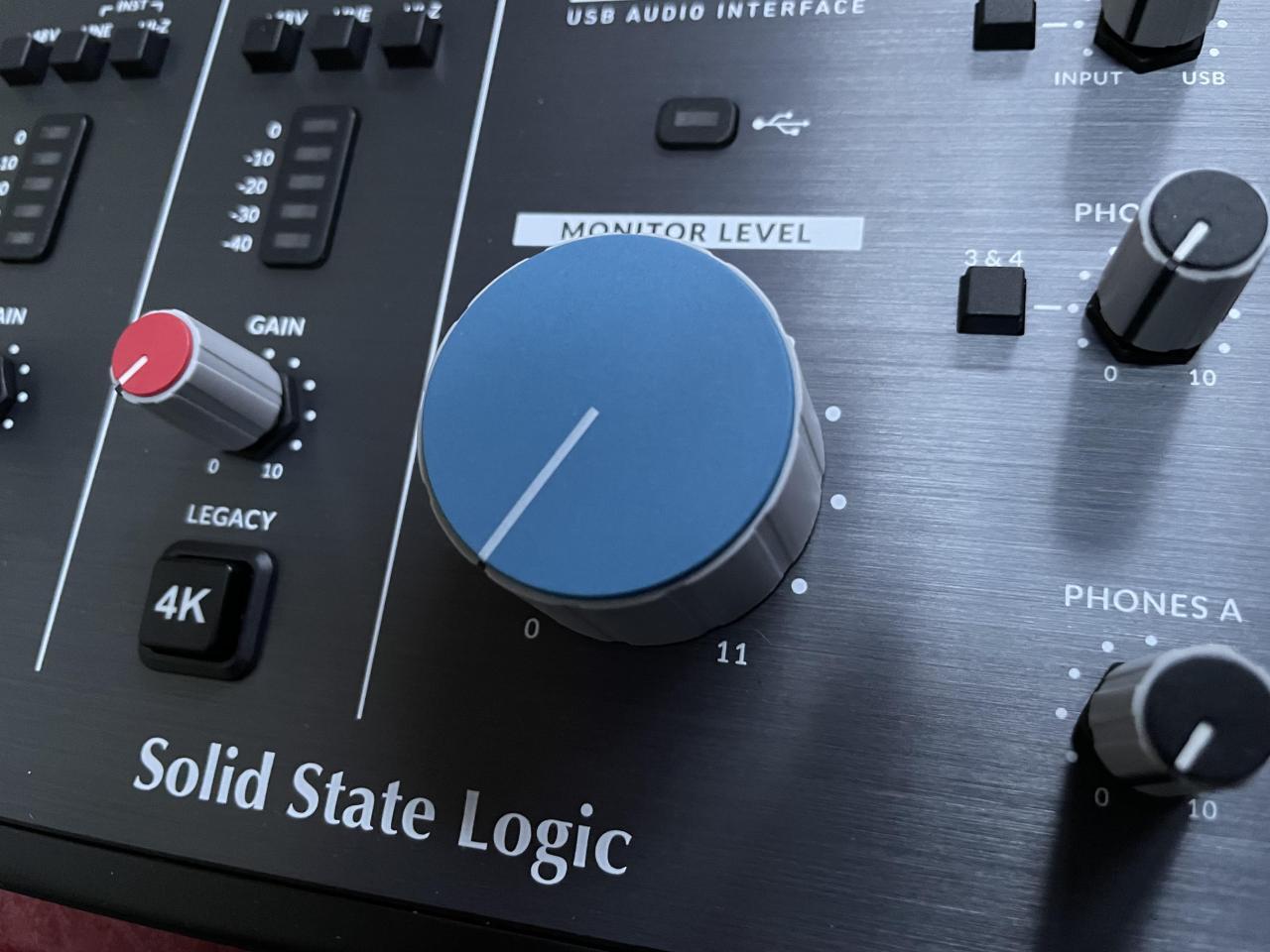
In conclusion, selecting the right audio interface is a personalized process. This guide has provided a framework for understanding the key considerations, from basic definitions to advanced specifications. Remember to prioritize your specific needs, carefully evaluate your budget, and consider the long-term implications of your choice. By following the insights presented here, you can confidently select an audio interface that will support your creative endeavors for years to come.